Kanban and Scrum boards on your own server
Each project picks Kanban or Scrum. Columns map to workflow statuses, WIP limits keep work flowing, swimlanes group the cards, and Scrum projects plan in a backlog and sprints. It all runs on your server, in your Postgres.
Boards, the backlog and sprints ship with the Work module in Bemmoly 0.3.0. An admin turns Work on in Settings › Modules and chooses who can use it.
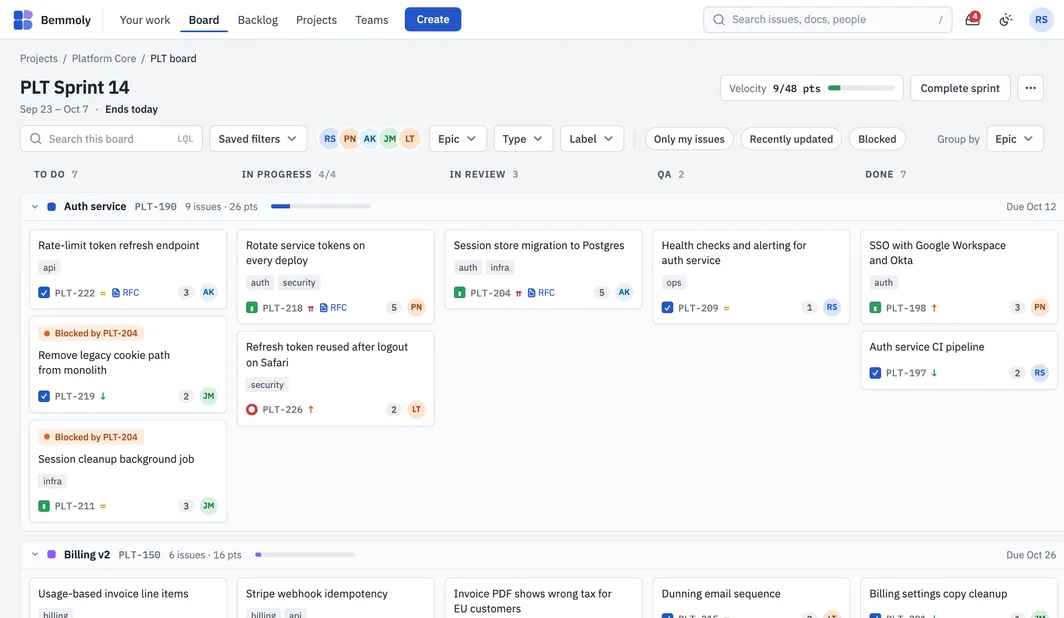
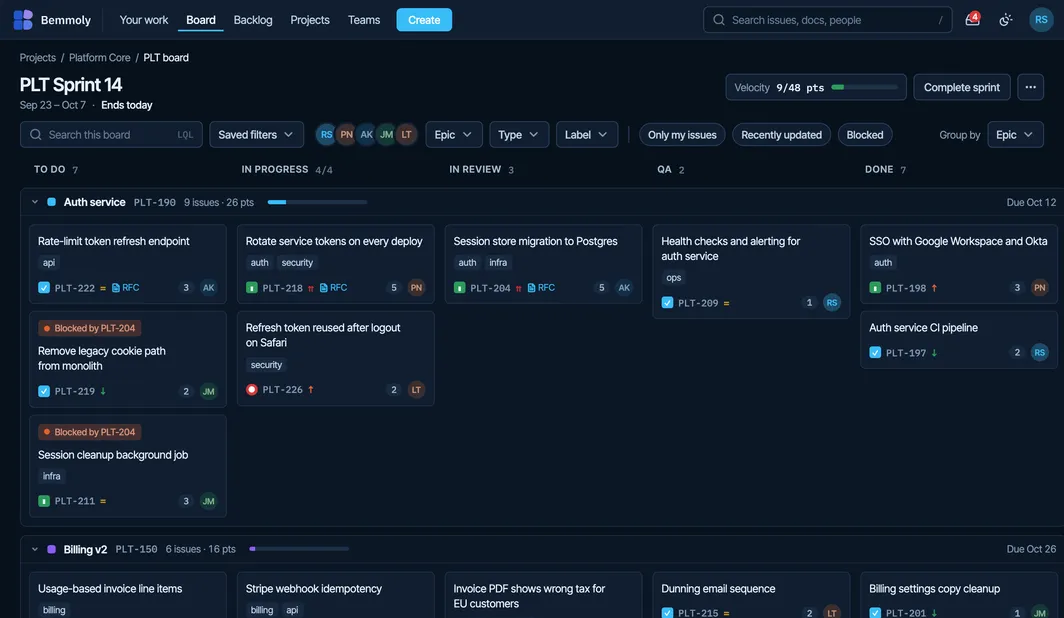
The board
Kanban or Scrum per project
Each project picks its method, with the sprint length, working days and estimation unit for Scrum.
Columns are statuses
Moving a card is a real workflow transition; a column the workflow does not allow says why before you drop.
WIP limits
Cap how many cards a column holds, so a team finishes work before it starts more.
Swimlanes and colours
Lanes by epic, assignee, priority, type or a query; card colours by priority, type, epic or a query.
Filters that stay
People, epic, type and label filters, quick filters, and saved queries shared with your team.
Mouse or keyboard
Drag cards, or pick one up with space and carry it with the arrow keys; the board updates live for everyone.
Planning
Backlog and sprints
Drag issues between the backlog and sprints, one at a time or several, with each sprint’s points against its capacity.
Start and complete sprints
Start with dates and a goal; on completion, choose where unfinished issues go.
Flow and sprint metrics
Velocity, the active sprint’s burndown, cycle time and throughput, from each issue’s history.
Sprint risk
An AI note on sprints and flow at risk, with fixes you confirm before anything changes.
Roadmap
Epics on a timeline with progress, dependencies and a forecast.
Set once, adjust per project
An admin sets the organisation's default board: columns, swimlanes, card fields and colours, the method and how work is estimated. Each project can override it, see every setting it changed, and reset to the default. A live preview follows every edit, and a change that would take cards off the board says so and asks first.
Plan sprints on your own server
On a fresh Linux VM with a domain pointing at it, one command installs Docker, Postgres, automatic HTTPS, nightly backups and the updater, then prints the address to open.
curl -fsSL https://get.bemmoly.com | sh