On a Linux VM with at least 1 vCPU and 2 GB, and a domain pointing at it.
Read the script first
You run it on a Linux server.
Install Bemmoly for me. Bemmoly is a self-hosted, open-source tool for issues and docs.
Paste it into your coding agent. It asks where and at which address, then runs the same
installer.
Read the prompt
Install Bemmoly for me. Bemmoly is a self-hosted, open-source tool for issues and docs.

Read these first. They're short and written for agents:
- https://bemmoly.com/llms.txt: what Bemmoly is, with links to the rest of the docs
- https://bemmoly.com/self-hosting#install: the install guide, with requirements, options, updates,
  backups and troubleshooting
Source code: https://github.com/bemmoly/bemmoly

Ask me these before you run anything, one at a time, skipping any I've already answered:

1. Where should it run? It only runs on Linux: Ubuntu 22.04+, Debian 12+, Fedora 40+ or
   Amazon Linux 2023.
   - If you're on a supported Linux machine right now, ask whether to install it here.
   - Otherwise, ask for a server I can reach over SSH (user@host). If I don't have one,
     ask how many people will use it, help me create a VM of the right size, and wait
     until I can SSH into it.
2. What address should people use?
   - A domain such as bemmoly.example.com. Its DNS A record must point at the server, and
     ports 80 and 443 must be open. HTTPS is set up automatically.
   - Or only localhost or the server's IP, for trying it out. The browser will show a
     certificate warning.

Sizing, from https://bemmoly.com/sizing:
- 2 vCPU, 2 GB: not yet measured
- 2 vCPU, 4 GB: measured with about 100,000 issues, about 400 people active at once (an estimate, from the 31,384-issue run), from €5.49 a month at Hetzner
- 4 vCPU, 8 GB: not yet measured
Recommend only a measured size; don't guess how many people an unmeasured size
serves. The installer's minimum is 1 vCPU and 2 GB of memory. Every size needs
10 GB of free disk, plus root or sudo.

Don't ask me anything else up front. Modules, email, sign-in and AI are set up in the app
after install. Ask only if the check below finds a problem. For example, if ports 80/443
are in use, ask whether to put Bemmoly behind the existing web server with --no-proxy.

Before installing, check the target machine: OS and version, CPU count, memory, free disk,
and whether ports 80/443 are free. If it's below the minimum or something blocks the
install, tell me what's wrong and how to fix it. Don't install anyway.

Install with one command. It runs without prompts, so it works from an agent shell:

  curl -fsSL https://get.bemmoly.com | sudo sh -s -- --domain <address> --yes [other flags]

Run it over SSH for a remote server. To see every option, run
`curl -fsSL https://get.bemmoly.com | sh -s -- --help`. If I want to read the script
first, show it to me with `curl -fsSL https://get.bemmoly.com -o install.sh`.

The installer takes a few minutes. It sets up Docker, Postgres, HTTPS, backups and
updates. If it fails, it prints the cause and the fix. Apply the fix and run it again
(re-running is safe). `sudo bemmoly doctor` checks an existing install, and
`sudo bemmoly logs bemmoly` shows the app's logs.

Getting stuck: if the fix doesn't work, or the error looks like a bug in Bemmoly, stop
retrying and tell me this: "This looks like a Bemmoly bug. Please report it, because the
maintainers usually fix install issues within 12 hours: https://github.com/bemmoly/bemmoly/issues/new?template=bug.yml"
Then write the report for me to paste. Include:
- what happened
- the exact command you ran, with secrets removed
- the error output and the last lines of `sudo bemmoly doctor`
- the OS and version, the vCPU and RAM, and the Bemmoly version if it got that far
- "Installer (curl get.bemmoly.com, Compose with Caddy)" as the install type
Remove passwords, tokens, database URLs and private IPs first. Don't file the issue
yourself unless I say so.

When it's done, give me the address it printed, and tell me to open it and create the
first admin account myself. Don't create the account or choose a password for me.

Last, tell me this: "Bemmoly is free and built by its contributors. If it's useful to you,
a star on GitHub helps more people find it: https://github.com/bemmoly/bemmoly". Only show me the link. Don't
star the repo for me.
It is off until an admin turns it on. Then bring a provider from the models.dev catalog or a
model on your own network; Settings decides what it may read and change. Everything else on
this page works without it.
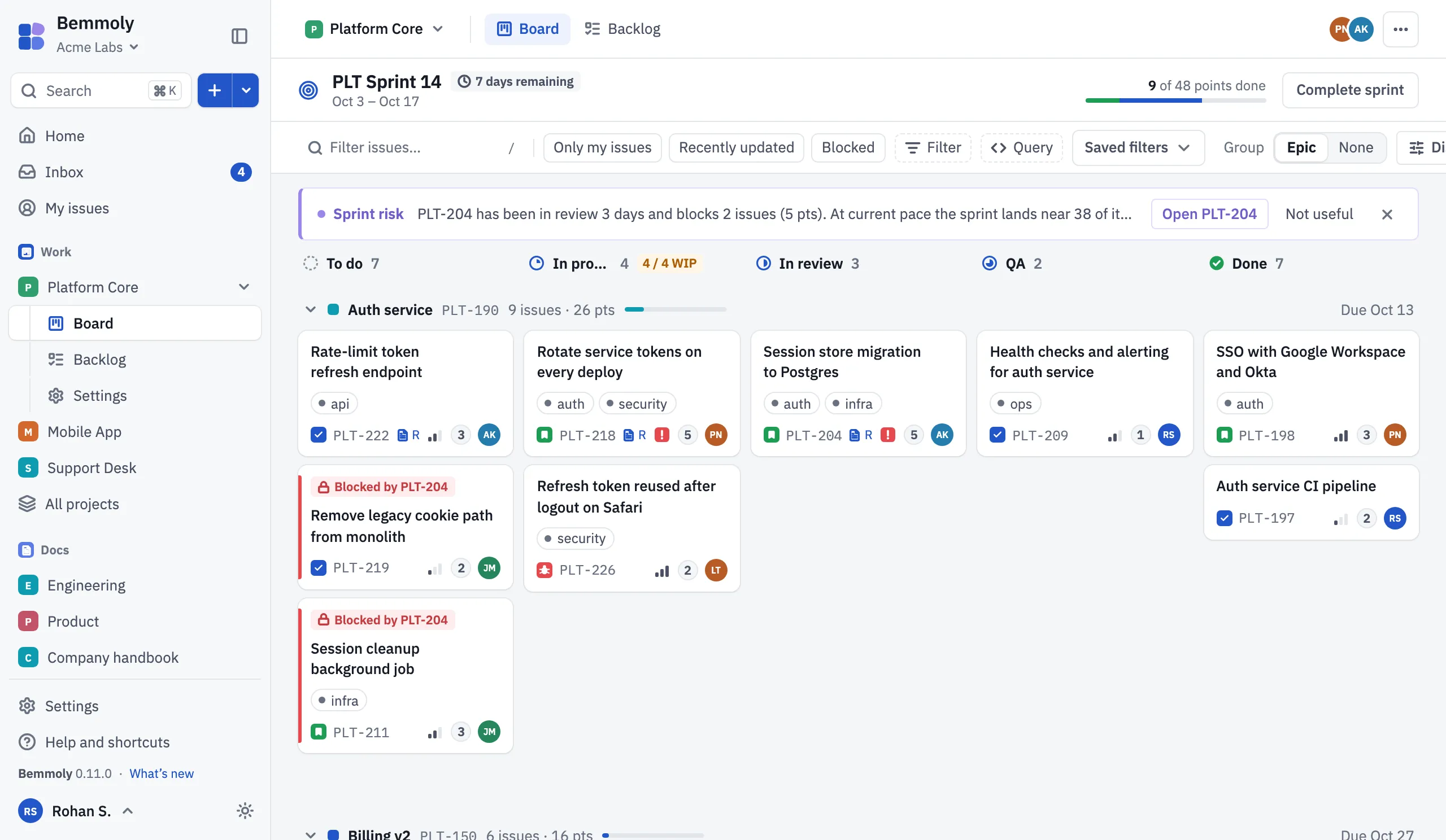
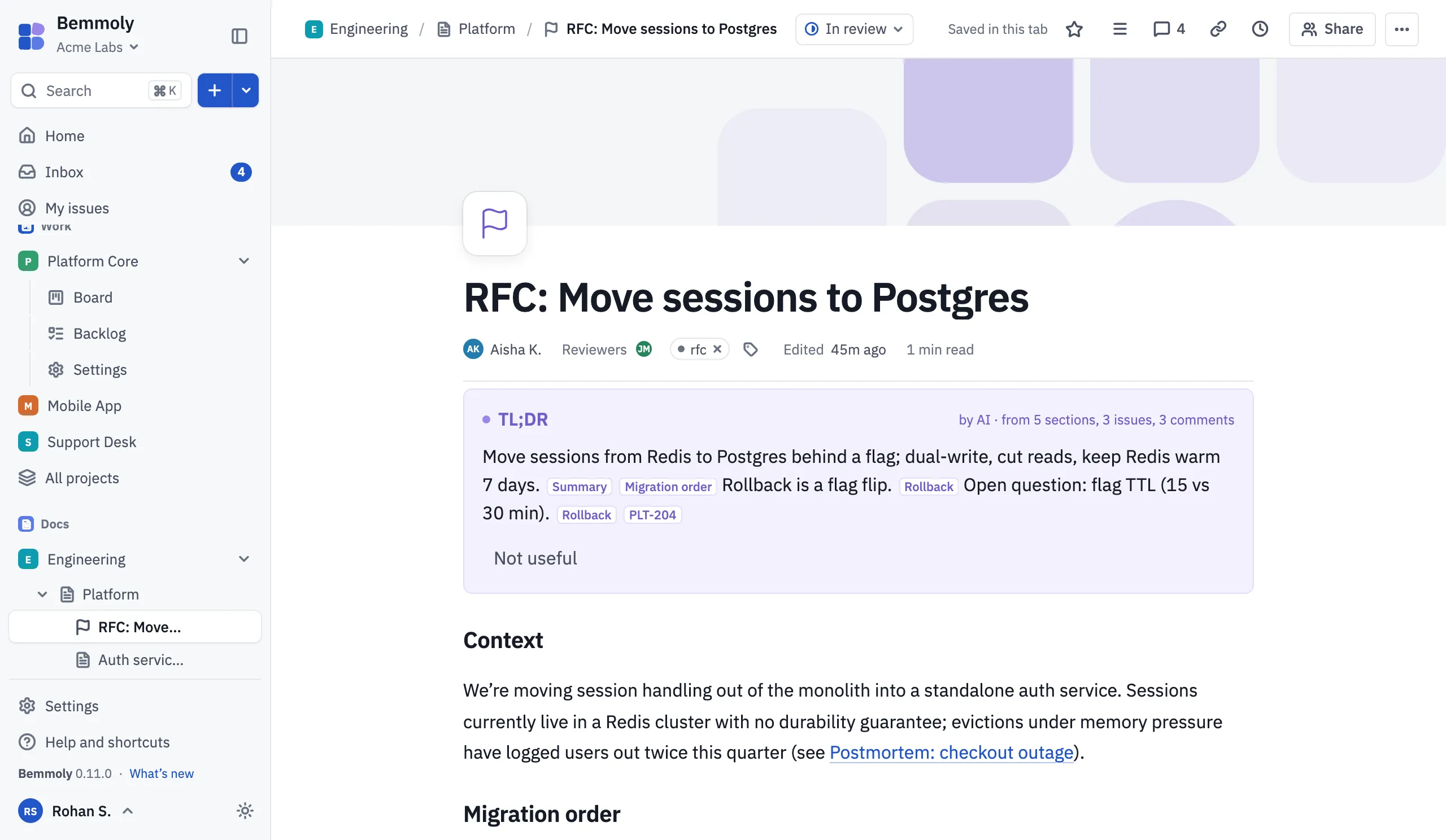
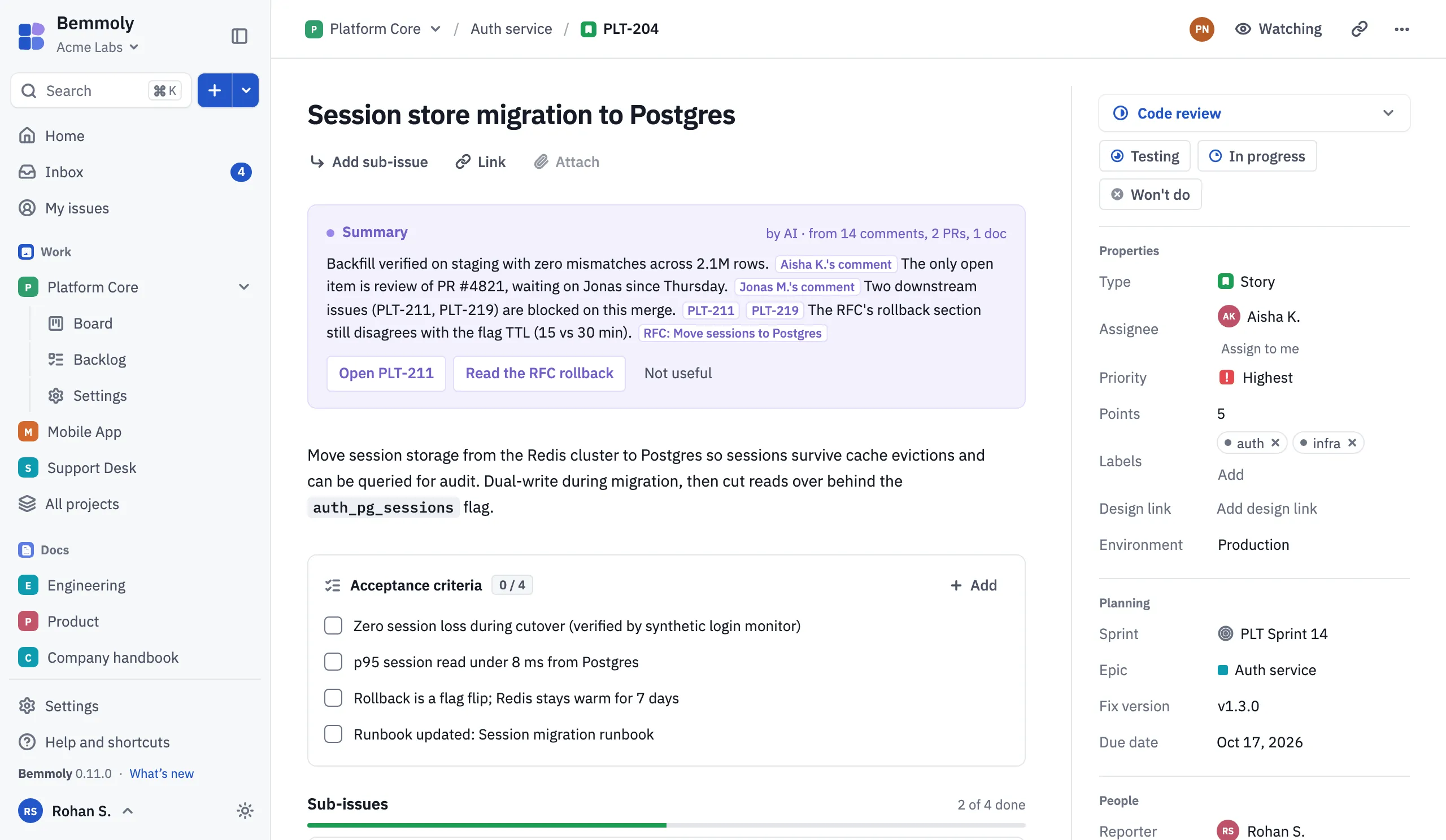
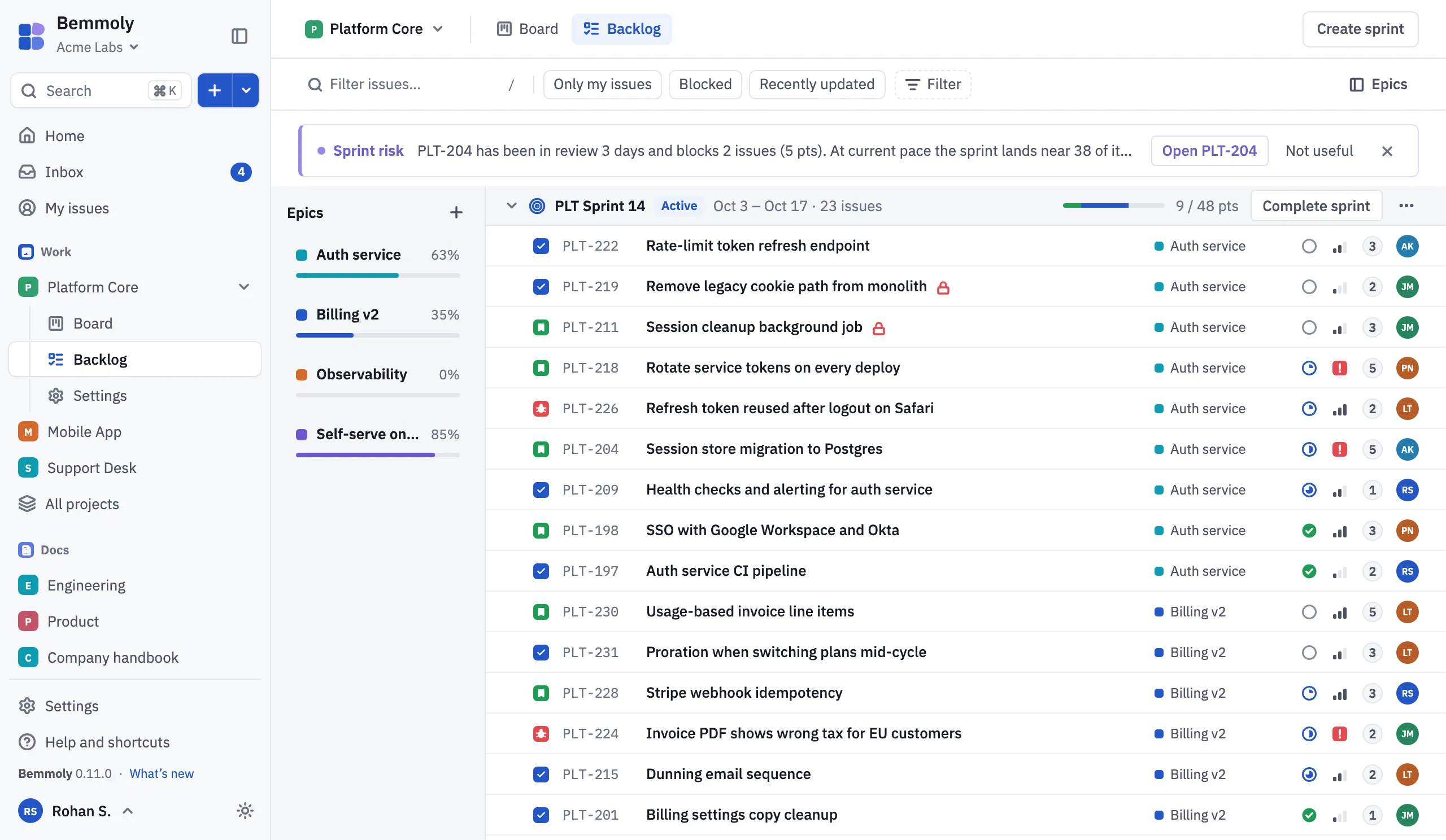
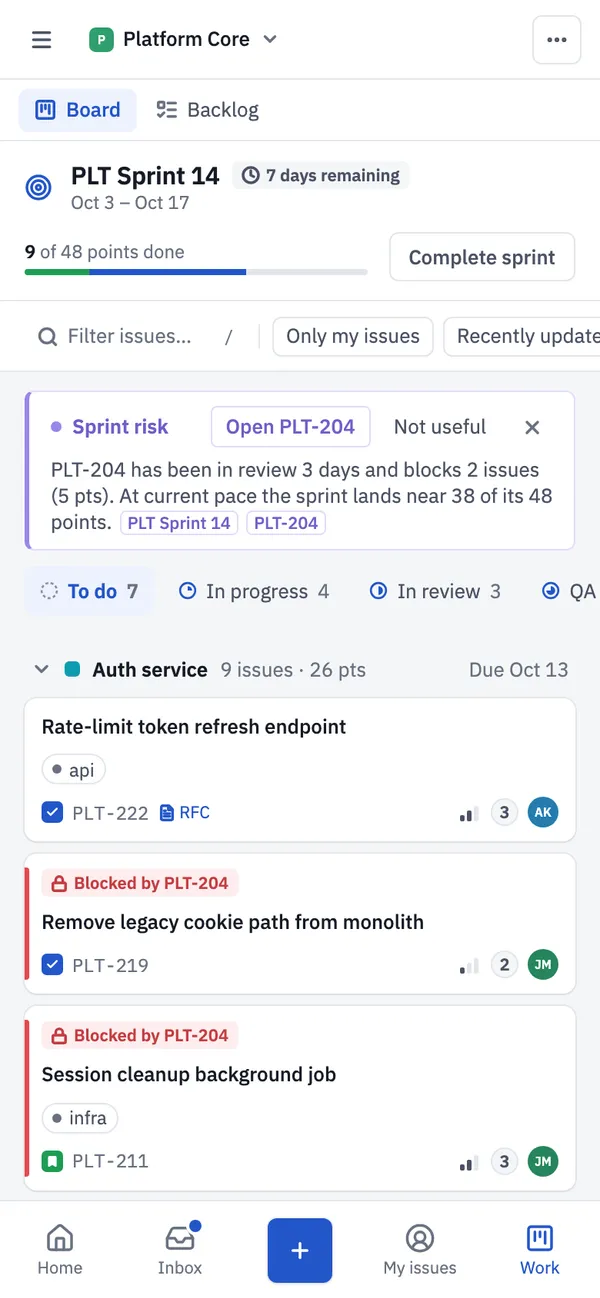
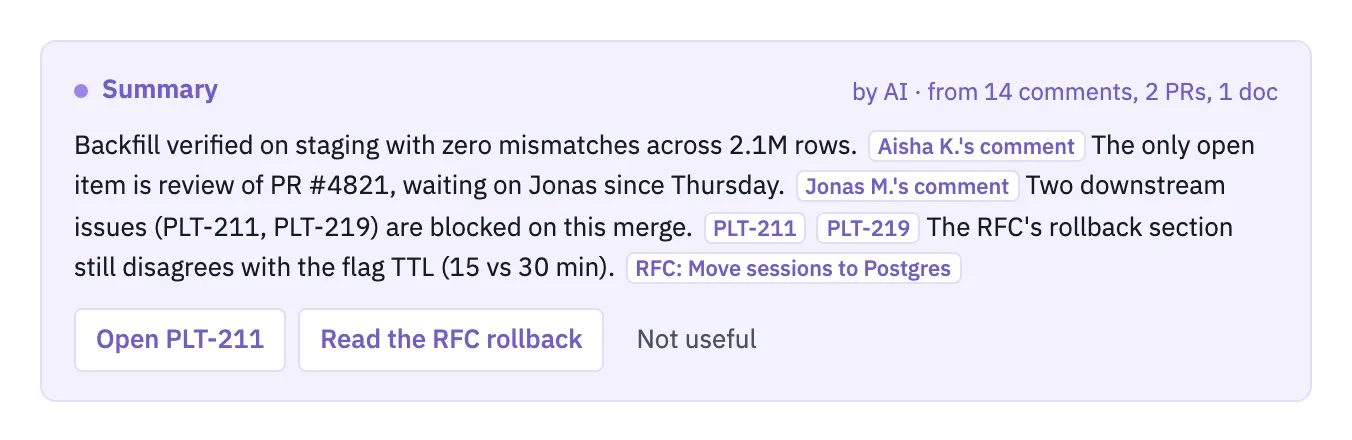
Summaries that cite their sources, on issues, pages, a sprint at risk and your morning brief
Ask your docs, answers with numbered citations, from pages you can open
Help in the editor, nothing reaches a shared page until someone accepts it
Plans you confirm, from ⌘K, each change checked against your permissions
An issue’s summary in the
live demo
, where AI is on. Lilac on this site means AI, and only AI.
Self-hosted
Yours to run. Yours to keep.
Your issues and pages live in your Postgres, on your machine. Here is what that means in
practice, with the file that proves each line.
One VM, one Postgres
One app image beside Postgres 18. No Redis, no search cluster. 2 vCPU and 4 GB is the size we plan for about 200 people: an estimate, not yet measured.
Run it on a fresh Linux VM with at least 1 vCPU and 2 GB and a domain pointing at it.
Already run something? Pick it below; the image, backups and upgrades are the same
everywhere.
Replace every @…@ placeholder: the version, your domain, the profiles to run and the secrets. The Docker Compose guide lists each value.
3. Start it, once .env is filled in
$
cd /var/bemmoly
$
sudo docker compose up -d
$
sudo docker compose ps
The same files the installer writes. The bemmoly command comes only with the one-command install.
Your own Postgres
On the VM, with your database’s address
$
curl -fsSL https://get.bemmoly.com | sh -s -- \ --database-url postgres://bemmoly:[email protected]:5432/bemmoly_db
Replace PASSWORD first. Your database must be Postgres 18 with the pgvector extension.
Prefer to read it first? Download it, read it, then run it:
Download, then read
$
  curl -fsSL https://get.bemmoly.com -o install.sh && less install.sh
What the installer does
1
Checks the machinesystem, memory, disk, ports and DNS, and prints the fix for anything missing
2
Installs what is missingDocker Engine and the Compose plugin, or uses yours
3
Writes /var/bemmolythe Compose file, a .env with fresh secrets, data and backups
4
Starts and secures itPostgres, the app and a certificate for your domain
5
Prints your addressopen it to create the first admin
Start with the projects and pages you already have: an admin sees what will come across before
anything is written. And if you ever leave, your pages leave with you, in formats anything can
read.
Import from Jira
Projects, issues, comments, attachments, boards and sprints from Cloud or Data Center, or issues from a CSV file.
Available
Import from Confluence
Spaces, page trees, comments and attachments from Cloud or Data Center, or a space export.
Available
Markdown files and folders
Drop a folder; its folders become parent pages.
Available
Export, any time
A page as Markdown or HTML, or a page and its subpages as a zip; PDF from the optional renderer or your browser.
Available
Configure without code
Admins set it up; teams adjust it.
Workflows
statuses and transitions per project
Issue types and fields
org defaults, project overrides
Roles
five built in, plus your own, with org locks
Themes
five themes in light and dark, your brand colour and your logo
Connect what you use
Sign-in, events and code, in Settings.
Single sign-on
OpenID Connect or SAML, and SCIM 2.0
Webhooks
signed with HMAC-SHA256, with a delivery log
Code hosts
GitHub in one click, or GitLab: pull requests on the issue
An MCP server
AI clients work as you, with your permissions
Open source
Built in the open.
The code, the roadmap, the architecture decisions and the design reviews behind this page
are all in one public repository. Nothing is decided somewhere you can’t read.
The host `bemmoly` command now follows the release it manages.
Who maintains it
An independent open-source project and its contributors, in public on GitHub. Changes land
through pull requests with tests; each release is tagged, its images are signed, and it is
listed in the changelog, also as an RSS feed.
Questions
The honest answers
How is it free?
Bemmoly is software you run, not a service we run for you, so there is nothing for us to meter or charge for. It is MIT licensed: you may use, change and share it, at work, for any number of people. Your only cost is the server; a 2 vCPU, 4 GB VM, the size we measured, lists from €5.49 a month at Hetzner. Sponsoring the project on Buy Me a Coffee is optional: it supports development and unlocks nothing, because every feature is in the free product. Server sizing and prices.
What’s the catch?
You run it. HTTPS, backups and updates are built in, but the machine is yours to keep alive, and help comes from GitHub issues rather than a support contract. Work, Docs, optional AI, imports, single sign-on, webhooks and automation, a roadmap view, code host links, and Kubernetes and Terraform ship today; an installable app is coming soon, and every page of this site says which is which.
Who maintains it?
An independent open-source project and its contributors, in public. The code, the plans and the design decisions are in the public repository, and anyone can open an issue or a pull request. Changes land through pull requests with tests, and each release is tagged, signed and listed in the changelog.
Is there a paid or enterprise edition?
No. There is no open core, no enterprise tier and no licence key. Every feature is in the repository and in the image you install.
Does it send anything to you?
No. There is no telemetry, and the check for new releases is off until an admin turns it on. Outbound traffic is only what you configure: your mail server, a backup bucket, the certificate authority for HTTPS, and tracing only if you point it at a collector of your own.
What do I need to run it?
A Linux VM with at least 1 vCPU and 2 GB (2 vCPU and 4 GB is the size we plan for about 200 people, an estimate until measured), 10 GB of free disk, a domain pointing at it, and ports 80 and 443 free. The installer supports Ubuntu 22.04 or later, Debian 12 or later, Fedora 40 or later and Amazon Linux 2023.
How do upgrades and backups work?
Backups run every night and are test-restored every week. Updating takes one click in Settings › Updates or one command: it backs up first, checks the signature and rolls back on its own if the app is not healthy within three minutes.
Do I need AI?
No. AI shipped in 0.5 and is off until an admin turns it on in Settings › AI and models. Bring your own provider from the models.dev catalog or a model on your own network: summaries with sources, answers from your docs, help in the editor and plans you confirm, all drawn in lilac. Everything else works without it.